



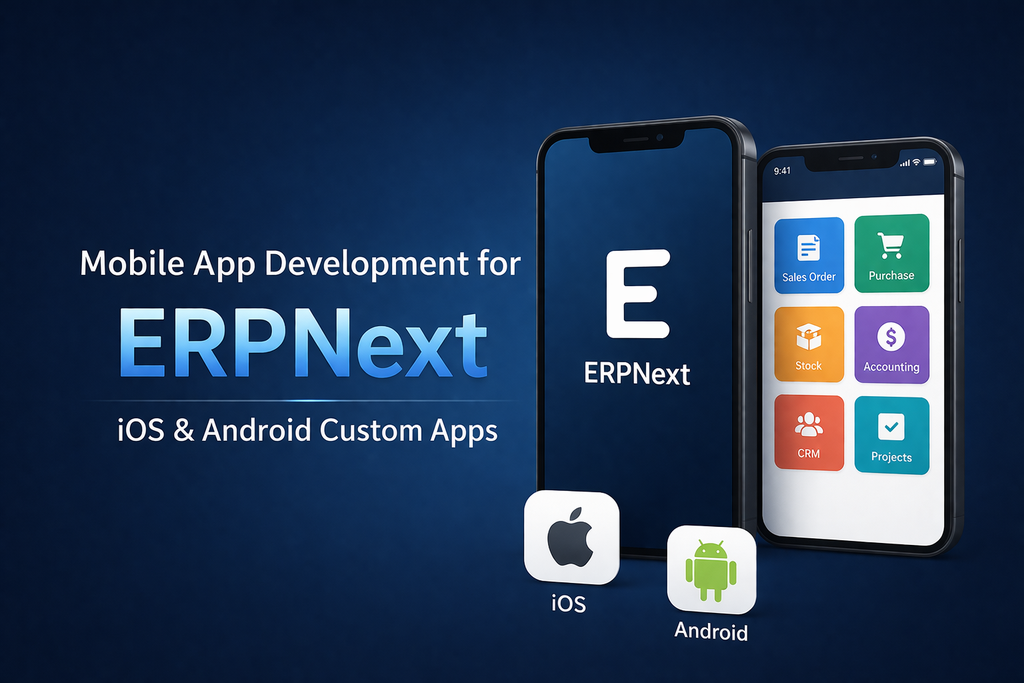
Introduction: Why Your Business Needs ERPNext Mobile Apps
Your team is mobile. Your customers are mobile. Your ERPNext system shouldn't keep them tied to a desktop.
Mobile app development for ERPNext lets your field sales, warehouse staff, HR managers, and customers access critical data from their phones. This guide explains custom iOS and Android app development for ERPNext in simple terms, with real examples, best practices, and when it makes sense to build them.
If you're searching for the following:
• How to build a mobile app for ERPNext
• ERPNext iOS app development
• Android app connected to ERPNext
• Field sales mobile app for ERPNext
What Is ERPNext Mobile App Development?
Mobile app development for ERPNext means building iOS or Android apps that connect to your ERPNext system via an API. These apps pull and push data in real time, let users work offline, and sync when connected.
Why Not Just Use Browser Apps?
• Mobile browsers are slow and clunky for fieldwork.
• Limited access to native device features like camera and barcode scanning.
• Poor performance on slow mobile networks.
• Security concerns with public Wi-Fi.
Mobile Apps Fix These Problems:
• Native speed and smooth UX
• Camera, GPS, and biometric integrations
• Work offline and sync when network is available
• Better security with encrypted data storage
• Push notifications for real-time updates
Real-World Use Cases for ERPNext Mobile Apps
1. Field Sales App for ERPNext (Sales team mobile)
What it does:
• Sync customer list, pricing, and inventory
• Create sales orders on the go (offline ready)
• View customer payment history
• Capture signatures, photos, and notes
• Auto-sync when connected
Why it matters: Reps close deals 30-40% faster without returning to the office.
Industries: Pharma distribution, FMCG wholesale, direct sales
2. Warehouse Mobile App (Inventory scanning)
What it does:
• Real-time stock level visibility
• Barcode and QR scanning for stock entry
• Goods receipt and dispatch workflows
• Multi-warehouse transfers
• Pick-pack-ship operations
Why it matters: Eliminates manual spreadsheets and reduces errors by 90%+.
Industries: E-commerce, logistics, manufacturing
3. Field Service App (Service technician)
What it does:
• View service requests assigned to the technician
• GPS-enabled route optimization
• Capture work done with photos, notes, and time logs
• Generate invoices on-site
• Customer signature capture
Why it matters: Field teams finish 2x more jobs per day.
Industries: HVAC, plumbing, equipment maintenance, telecom
4. HR Check-In App (Attendance & timesheet)
What it does:
• Biometric attendance (fingerprint, face recognition)
• GPS location check-in
• Timesheet entry offline
• Leave requests with approvals
• Employee directory and manager contact
Why it matters: Eliminates manual attendance tracking and reduces fraudulent check-ins.
Industries: Manufacturing, retail, logistics, hospitality
5. Customer Portal App (B2C/B2B)
What it does:
• Customers place orders in-app
• Track shipments in real time
• View invoices and payment history
• Receive push notifications for order updates
• Support ticket submission
Why it matters: 25-35% higher repeat orders and better customer satisfaction.
Industries: Retail, e-commerce, wholesale, food delivery
6. Manager Dashboard App (Mobile reporting)
What it does:
• Real-time KPI dashboards for sales, inventory, and HR
• Approval workflows for invoices, POs, and leave requests
• Team performance tracking
• Instant notifications for critical events
Why it matters: Managers stay informed and approve tasks instantly from anywhere.
Industries: All sectors
Best Practices for ERPNext Mobile App Development
1. Keep it simple
• Mobile screens are small; don't try to fit desktop complexity
• One workflow per screen, max 2-3 actions
2. Design for offline
• Cache essential data locally
• Queue actions when offline and sync when connected
• Show clear online and offline status
3. Security first
• Use HTTPS only, never plain HTTP
• Encrypt sensitive data on the device
• Use biometric authentication where possible
• Implement auto-logout after inactivity
4. Optimize data transfer
• Fetch only needed fields, not entire Doctypes
• Use pagination for long lists
• Compress images before upload
• Plan for 3G/4G speeds, not just Wi-Fi
5. Push notifications
• Alert managers of urgent approvals
• Notify sales reps of new leads
• Inform customers of order status changes
• Don't spam; use notifications wisely
6. Test before launch
• Real device testing, not just simulators
• Test on different phone models and OS versions
• Test on slow networks with Wi-Fi throttling
• Run user acceptance testing with actual workflows
Common Pitfalls & How to Avoid Them
Pitfall 1: Over-engineering for perfection
• Fix: Start with MVP and iterate based on user feedback
• MVP takes 2-3 months; full feature set takes 6+ months
Pitfall 2: Ignoring offline scenarios
• Fix: Design sync logic before development and test extensively
• Offline is critical for field teams
Pitfall 3: Poor security (API keys hardcoded)
• Fix: Use OAuth or secure credential storage from day 1
• Security breaches kill trust; don't compromise
Pitfall 4: Forgetting app store approval timelines
• Fix: Plan 2-4 weeks for app store review and submit early
• Apple is stricter than Google, so account for delays
Pitfall 5: Misaligned team expectations
• Fix: Communicate realistic timelines and feature scope early
• Weekly demos keep stakeholders aligned
Tools & Frameworks Used by Experts
For Hybrid App Development
• React Native (most popular for ERPNext apps)
• Flutter (growing choice with excellent performance)
• Ionic (good for teams familiar with web development)
For Backend / API
• Frappe REST API (standard with ERPNext)
• Custom Frappe app for deeper integration
Design & Prototyping
• Figma
• Adobe XD
• Sketch
Testing
• Firebase Test Lab
• TestFlight (iOS)
• Google Play Console (Android)
Why Choose Hybrowlabs for ERPNext Mobile App Development
At Hybrowlabs Technologies, we specialise in custom iOS and Android apps connected to ERPNext. We:
• Start with your actual workflow, not generic templates
• Use React Native for faster, affordable development
• Build offline-first to support field teams
• Integrate seamlessly with your ERPNext APIs
• Provide ongoing support and updates
• Deploy to both App Store and Google Play
Conclusion
Mobile app development for ERPNext transforms how your team works. Field sales close faster, warehouse staff eliminate errors, customers check orders anytime, and managers get instant visibility.
Whether you need a field sales app, warehouse scanner, HR check-in, or customer portal, the key is starting simple (MVP), building for offline, and iterating based on real user feedback.
Ready to build your ERPNext mobile app? Contact Hybrowlabs for a free consultation and let's design your custom app roadmap.